How to transfer MP3 music from Android to a Wear OS watch
Want music on your smartwatch without carrying your phone? You can copy supported audio files from your Android phone into the watch's local storage, then play those saved tracks offline. ARVION Watch Media Hub includes MUSIC 2 WATCH for this workflow.
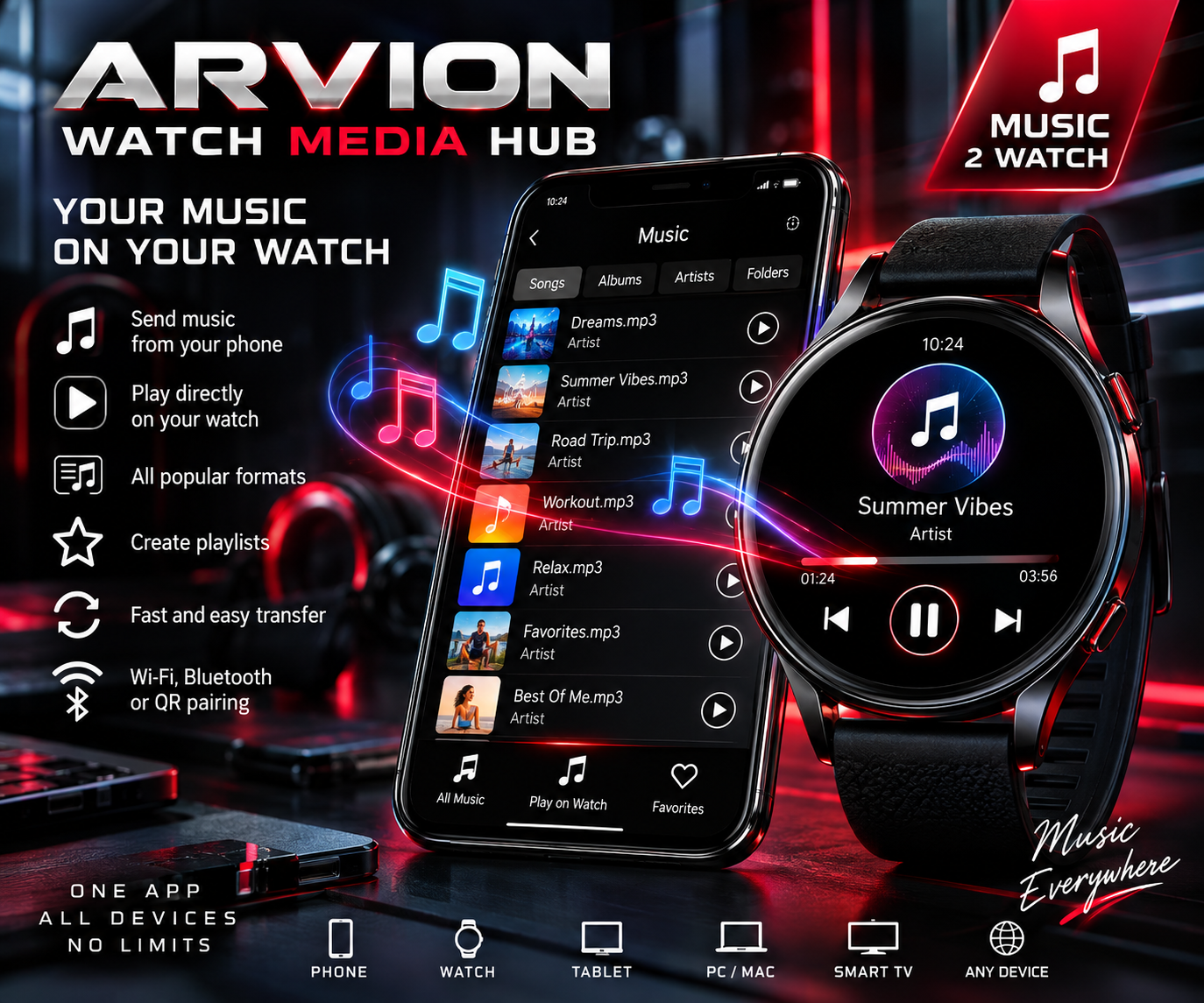
See app on Google PlayView ARVION Watch Media Hub features
Before you send music
- Check that your watch runs a compatible version of Wear OS and that Google Play offers ARVION Watch Media Hub for both devices. A non-Wear OS watch is not automatically supported.
- Keep both devices nearby, charged and connected through one of the pairing methods supported by your setup.
- Use audio files you own or have permission to copy. A song locked inside a subscription streaming service is not the same as an ordinary transferable audio file.
Step by step: send songs to your smartwatch
- Install and open ARVION Watch Media Hub on the Android phone and on the Wear OS watch.
- Pair the phone and watch in the app. Follow the on-screen connection prompts and grant requested device or media permissions.
- On the phone, open MUSIC 2 WATCH and select the supported audio files you want to copy.
- Start the transfer. Keep the connection active and watch the progress until the files have arrived.
- Open the music library on the watch and play a transferred track. For an offline check, try listening after disconnecting from the phone.
Offline playback versus streaming
Music copied to the watch can play without an active phone connection if the audio format and your watch are supported. Streaming music from the phone is different: it needs a working local connection, typically both devices on the same Wi-Fi network. Neither option means that subscription-only or DRM-protected music can be copied freely.
If music will not transfer or play
- Connection drops: open the app on both devices, confirm pairing and bring them closer. Try a stable local Wi-Fi connection if the chosen transfer mode needs it.
- No room for another album: free storage space on the watch and retry with a smaller set of tracks.
- The file arrived but has no sound: verify the audio format and playback support on the watch; try another compatible file.
- Music plays only while the phone is nearby: verify that the file was fully copied to watch storage rather than being streamed.
Frequently asked questions
Can I listen to music without my phone?
Yes, after compatible audio files have been copied to your watch and can be played locally. Streaming audio still depends on a connection.
Will this work on every Galaxy Watch or Pixel Watch?
Compatibility depends on the watch model, its Wear OS version, Play Store availability and the app's supported features. Check the listing on your particular devices.
Looking for a single app that also transfers videos and documents or previews your phone camera? The full ARVION Watch Media Hub combines those tools. Explore the complete app.