How to transfer videos to a Wear OS smartwatch and watch offline
If you want to put a personal video on your smartwatch, you need more than a phone video player. VIDEO 2 WATCH in ARVION Watch Media Hub can transfer supported files to compatible Wear OS storage and play those files locally.
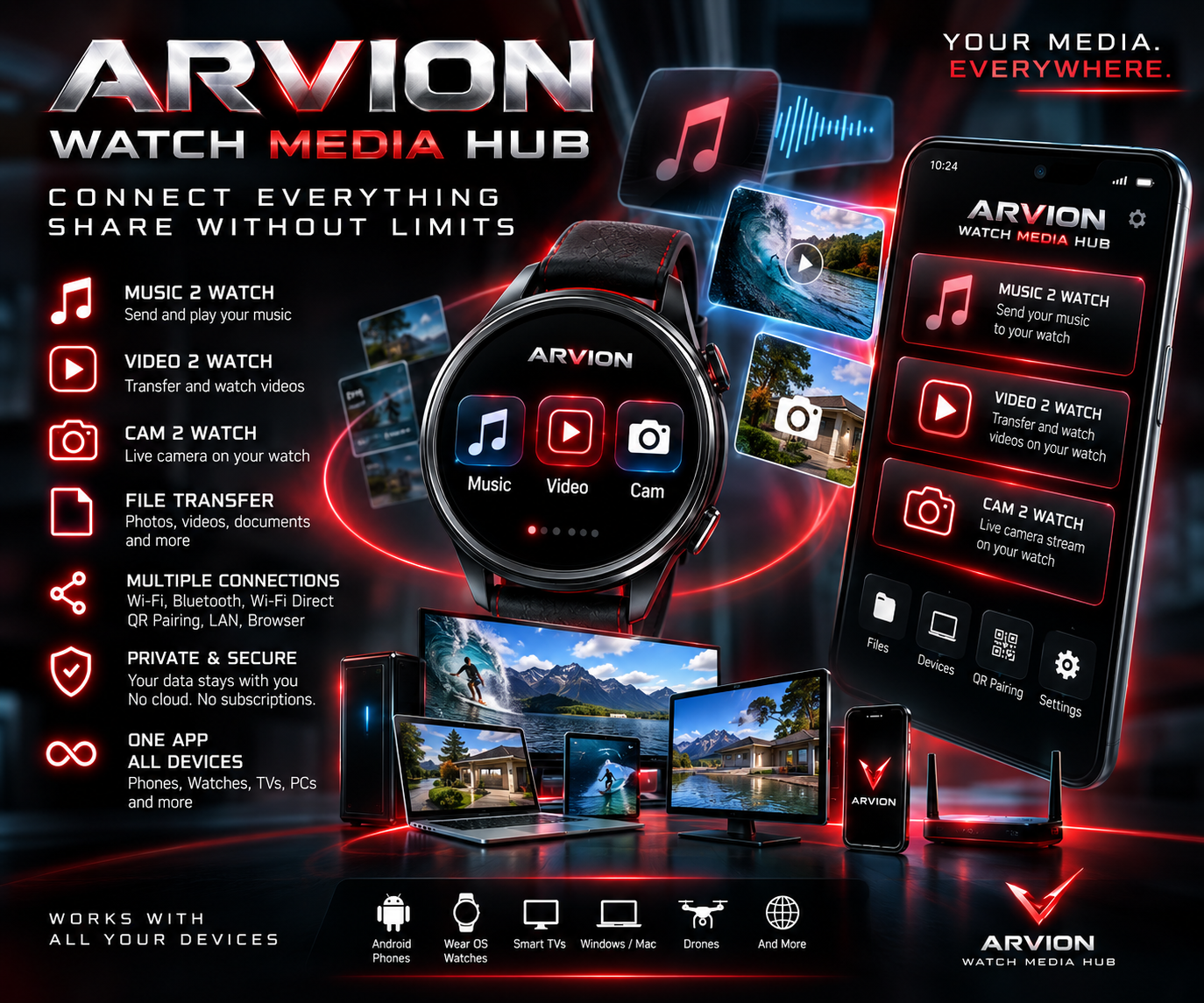
See app on Google PlayView ARVION Watch Media Hub features
Check video format, storage and compatibility
- Check that the Wear OS watch is supported and has enough free storage for the video you intend to copy.
- Use video files you own or are allowed to transfer. Streaming-service downloads usually cannot simply be exported as ordinary video files.
- Playback depends on the codecs supported by the device. MP4 with H.264 video and AAC audio is a useful compatibility target.
Step by step: video from phone to watch
- Open ARVION Watch Media Hub on your Android phone and Wear OS watch, then connect the two devices.
- Choose VIDEO 2 WATCH on the phone and select a personal video stored in accessible phone storage.
- If the file is too large or unsuitable, use WATCH OPTIMIZED where supported to prepare a smaller 480p MP4 copy.
- Transfer the video and wait for completion before closing the session.
- Open the copied video on the watch. A successfully stored, supported video can play locally without internet.
Local video transfer is not the same as live streaming
For offline watching, copy the entire supported file onto the watch. For streaming video from the phone without storing it on the watch, both devices need a suitable local Wi-Fi connection. Large files take longer to transfer, and low watch storage or unsupported codecs can prevent smooth playback.
Video transfer or playback not working?
- Black screen or audio only: try a compatible MP4 file encoded with H.264 and AAC, or the application's watch-optimized conversion if available.
- Transfer stops halfway: keep both applications open, verify local connectivity and retry a shorter video.
- The watch says storage is full: free space or reduce the size of the file before sending.
- Video works on the phone but not the watch: the two devices may support different codecs, resolutions or playback capabilities.
Frequently asked questions
Can I watch videos on Wear OS without internet?
Yes, for supported videos that have already been copied to the watch and can be played locally.
Can I stream a video from my phone to the watch?
ARVION Watch Media Hub describes local streaming over Wi-Fi. The phone and watch need a suitable local connection; it is different from storing a video offline.
The same hub includes MUSIC 2 WATCH, camera preview and two-way file transfer between Android and Wear OS. Explore the complete app.